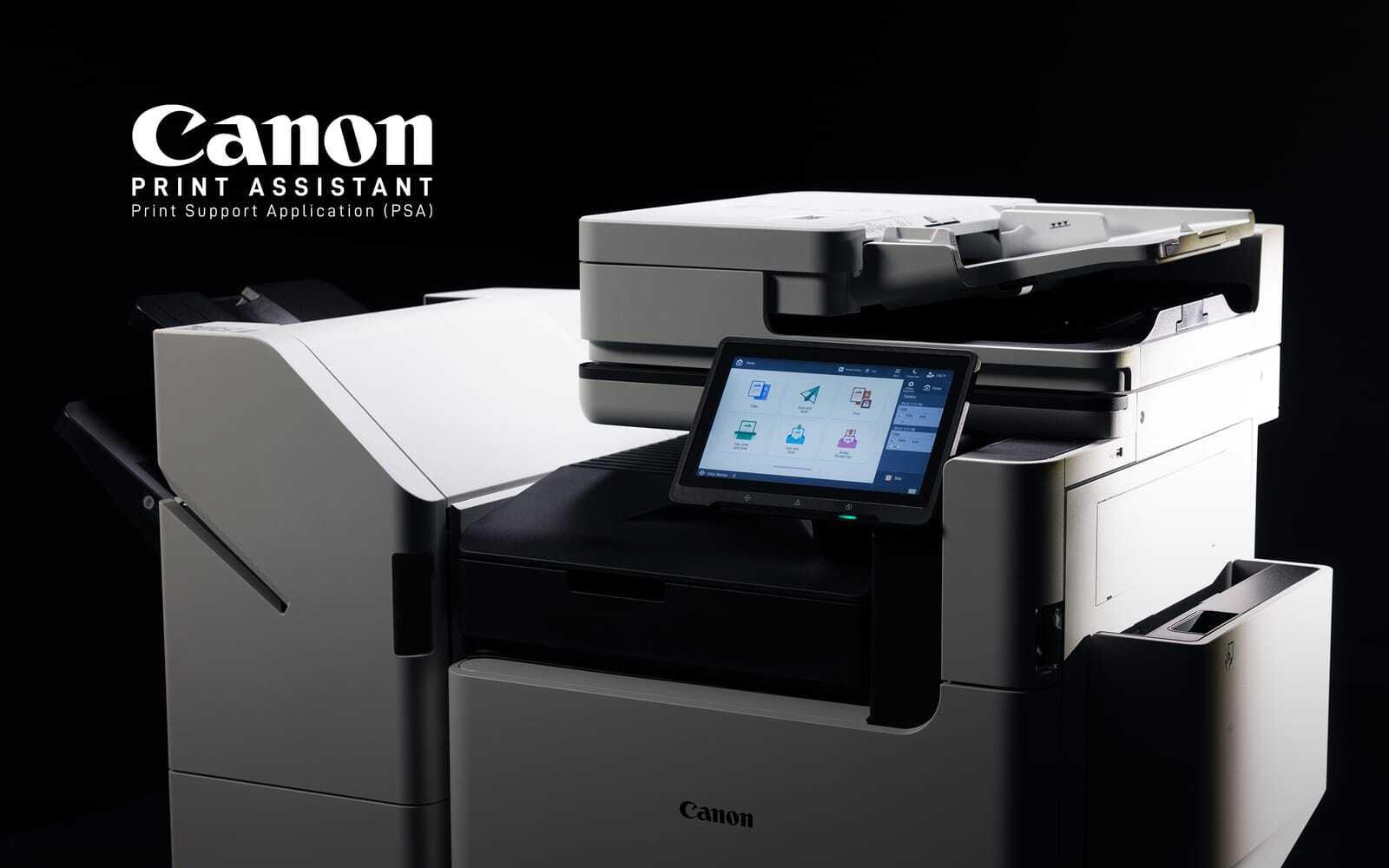
From a new integrated scanning approach on the TM Series to faster production and greater media flexibility on the TX Series, Canon has made changes that address both everyday usability and more demanding large-format printing workflows.
If your organization relies on large-format printing for CAD drawings, construction plans, technical documents, posters, signage, or other graphics, Canon has introduced some meaningful updates to its imagePROGRAF TM and TX Series.
The 2026 lineup brings improvements in print quality, scanning, productivity, media handling, security, and workflow flexibility. Whether you're replacing an older wide-format device or evaluating new capabilities, these changes give you more options for matching a Canon imagePROGRAF printer to your applications, print volume, available space, and workflow.
10 New Things to Know About Canon imagePROGRAF TM and TX Printers.
From a new integrated scanning approach on the TM Series to faster production and greater media flexibility on the TX Series, Canon has made changes that address both everyday usability and more demanding large-format printing workflows. Here are 10 updates worth knowing as you evaluate the latest Canon imagePROGRAF lineup.
1. Get Crisper Lines and More Vibrant Prints on Plain Paper.
One of the most noticeable updates across both the Canon imagePROGRAF TM and TX Series is something you'll see directly on the page. Canon's 5-color LUCIA TD pigment ink system features an updated Matte Black ink designed to produce crisper lines, sharper text, and more vibrant poster output on plain paper compared with the previous TM and TX Series.
That's particularly useful if your organization produces a combination of technical and graphic output. Detailed architectural drawings and engineering plans require fine, readable lines, while posters, presentations, signs, and other graphics benefit from stronger visual impact.
2. Integrated Large-Format Scanning With the TM Series.
One of the biggest developments for the Canon imagePROGRAF TM Series is integrated scanning. The new imagePROGRAF TM-510M and TM-610M feature Canon's first integrated imagePROGRAF large-format scanner, incorporating the scanner into the printer rather than requiring a separate scanning system.
The TM-510M provides a 24-inch scanning configuration, while the TM-610M provides a 36-inch configuration. This gives organizations that need to digitize, copy, distribute, or archive large drawings a multifunction option within the TM family.
3. Save Valuable Office Space With an Integrated Scanner Design.
Perhaps the most interesting aspect of the new TM scanner design is how Canon incorporated it into the device. The multifunction models maintain approximately the same depth, width, and height as their corresponding single-function models.
For example, Canon shows both the 36-inch TM-610 and TM-610M at approximately 50.6 inches wide, 34.2 inches deep, and 41 inches high.
For architecture, engineering, construction, education, and other environments where floor space matters, that compact approach can be valuable. You can add large-format scanning and copying capabilities without substantially increasing the equipment footprint.
4. Reach TM Print Speeds Up to 3.2 D-Size Prints Per Minute.
The imagePROGRAF TM Series is designed for more than technical documents. In addition to CAD drawings, the lineup can produce posters, banners, flyers, and other large-format graphics.
Depending on the model, Canon lists maximum print speeds ranging from 2.4 to 3.2 D-size prints per minute, with the TM-610 and TM-615 reaching the top end of that range. Canon specifies that the 3.2 D-size speed is measured using the TM-610/615 with ARCH D landscape output on plain paper using the fastest setting.
Canon identifies architecture, engineering, construction, education, real estate, retail, restaurants, hospitality, and corporate environments among potential applications for the TM Series. With both 24-inch and 36-inch large-format printers available, you can select a configuration based on output size, volume, scanning requirements, and available space.
5. Increase Production With TX Speeds Up to 3.3 D-Size Prints Per Minute.
Organizations with higher-production large-format printing requirements can look to the updated Canon imagePROGRAF TX Series. The TX-3300 and TX-4300 Series can produce up to 3.3 ANSI D-size prints per minute, based on Canon's testing using plain paper in Fast Q5 mode after the first print. Actual speeds can vary based on paper, settings, orientation, and the number of copies.
The TX lineup includes 36-inch and 44-inch configurations designed for technical drawings as well as graphic output such as renderings and posters. Canon identifies architecture, engineering, construction, manufacturing design, professional print shops, government agencies, higher education, transportation, distribution, and corporate environments among potential markets for the series.
The TX Series also features intelligent media handling. Once media is loaded, the printer can locate the leading edge, feed the media, and automatically determine its type, length, and width. That information is displayed for the user, helping simplify media setup in busy printing environments.
6. Add an Optional Second Roll to Select TX Models.
The TX-3300 and TX-4300 Series can be equipped with an optional Multifunction Roll Unit, which can function as either a second media roll or a take-up reel.
The ability to keep a second roll available can be particularly useful if your team regularly switches between different media types or sizes. Instead of stopping to physically replace a roll each time requirements change, another media option can remain ready for use.
The TX Series also incorporates Canon's Sub Ink Tank System, which allows ink tanks to be changed while the printer is operating. For higher-volume environments, capabilities like these can help reduce interruptions and keep large-format jobs moving.
7. Meet the New 36-Inch TX-1300 MFP Z36.
Not every organization that needs advanced large-format printing and scanning has the space or print volume for a larger production configuration. That's where the new Canon imagePROGRAF TX-1300 MFP Z36 enters the lineup.
Canon positions the TX-1300 MFP Z36 for mid-volume printing, combining a 36-inch large-format printer with a Z36 scanner and SmartWorks software. Its compact design is intended for environments that need print-and-scan functionality without sacrificing speed and functionality.
The system includes a 36-inch Z36 scanner, 15.6-inch touchscreen, and SmartWorks software, while providing print speeds up to 3.2 D-size prints per minute. It also incorporates full-front operation, a flat-top design for media loading, and a flat stacking basket for neatly organizing drawings.
For an architecture, engineering, construction, or other technical environment that wants a 36-inch large-format printer and scanner in a compact configuration, the TX-1300 MFP Z36 provides another option to consider.
Canon imagePROGRAF TM vs. TX Series:
Before moving into the final three updates, here's a quick comparison of the two Canon imagePROGRAF large-format printer families.
*Print speeds are based on Canon's specified testing conditions and can vary according to model, media, settings, orientation, and print job.
8. Simplify Large-Format Copying and Scanning.
Canon has also focused on how users interact with the new multifunction configurations. The integrated scanners on the TM-510M and TM-610M can scan at up to 5 inches per second in color and 10 inches per second in monochrome.
Canon also states that users can produce color copies in as fast as 66 seconds under its specified test conditions.
A 5-inch tiltable touchscreen provides unified control of the printer and scanner. You can switch between printer and scanner displays, select scanning and copying presets, customize controls, and rearrange frequently used settings for faster access.
The scanner also uses dual LED illumination to reduce shadows on creased prints. This can be especially useful when you're digitizing drawings and plans that have been folded, rolled, transported to jobsites, or frequently handled.
The multifunction TX models take a different approach. The Z36 scanner provides a maximum 36-inch scan width and works with a 15.6-inch touchscreen and SmartWorks software. SmartWorks provides capabilities such as deskewing, brightness adjustment, cropping, and previewing and editing images without needing to rescan them.
9. Help Protect Your Print Environment With Security Features.
What Security Features Are Available on Canon imagePROGRAF Printers? Your large-format printer is also a network-connected endpoint, so security should be part of your evaluation alongside print quality, speed, and workflow.
Depending on the Canon imagePROGRAF TM or TX model, available security features can include:
- Secure Boot
- Secure Event Log
- TLS 1.3
- 802.1X network authentication
- SNMP v3
- PIN Code Authorization
- HDD encryption and secure erase
- Whitelisting
- Pattern Printing
Canon notes that specific capabilities vary by model and that no individual security feature guarantees prevention of security issues. For your IT team, the key consideration is making large-format printer security part of device selection and configuration, particularly when the printer connects to your organization's network.
10. Streamline Your Workflow With Canon Software.
Hardware is only one part of an efficient wide-format printing workflow. Canon provides software and utilities for the TM and TX families that can assist with poster creation, batch printing, media configuration, layouts, printer management, and tracking print costs.
Depending on the series, available tools include PosterArtist, Direct Print Plus, Free Layout Plus, Media Configuration Tool, and Accounting Manager. The TX lineup also includes PRISMAproduce Tech for job submission and printer management.
For example, Direct Print Plus supports batch printing, Free Layout Plus provides options for arranging files before printing, and Accounting Manager helps track actual ink and media usage and costs.
When evaluating a new large-format printing solution, it's worth looking beyond print speed alone. Consider how your users submit jobs, prepare files, switch media, scan existing documents, manage output, and monitor ink and media consumption.
Which Canon imagePROGRAF Printer Fits Your Business?
Choosing between the Canon imagePROGRAF TM Series and TX Series starts with understanding your actual workflow.
A Canon imagePROGRAF TM Series printer may be a better fit if you need:
- A compact 24-inch or 36-inch large-format printer
- CAD drawings alongside posters and business graphics
- Integrated scanning and copying with the TM-510M or TM-610M
- Large-format capabilities while conserving office space
A Canon imagePROGRAF TX Series printer may fit your needs if you require:
- Higher-production large-format printing
- Output sizes up to 44 inches
- Optional second-roll capability
- Greater media-handling flexibility
- A Z36 multifunction scanning configuration
For organizations whose needs fall somewhere between those requirements, the TX-1300 MFP Z36 provides a compact 36-inch print-and-scan alternative.
Find the Right Canon imagePROGRAF Solution With Datamax.
A large-format printer is more than a device for producing oversized pages. It can become a central part of how your teams create, distribute, revise, scan, and archive important documents.
The 2026 Canon imagePROGRAF TM and TX Series printers give you more ways to align your technology with your workflow, whether your priorities include detailed CAD output, integrated scanning, faster production, poster printing, flexible media handling, or a smaller equipment footprint.
Datamax can help you evaluate your applications, print volumes, scanning requirements, media needs, available space, and workflow to identify the Canon imagePROGRAF large-format printer that makes sense for your organization. Start by scheduling your Discovery meeting!

uniFLOW Online for Non-Canon Printers: How It Works
3 Ways Canon's UVgel Technology is a Wide Format Game-Changer