.jpg?width=40&height=40&name=Jeff-Walker-(Avatar).jpg)
"A short wait there. A recurring print issue that requires someone's attention. None may seem significant on its own."
An attorney sends a document to print and walks down the hall to retrieve it. A paralegal scans a signed document, navigating several screens and entering the same information they entered yesterday. A legal assistant waits for a large job to finish before starting the next one. Someone stops what they're doing to help a colleague figure out a copier setting.
Nothing unusual happened. And that's precisely the point.
In a law firm, small, routine inefficiencies rarely announce themselves as a productivity problem. They simply consume a few minutes, and everyone moves on. But your firm operates in a business where time matters. It affects client responsiveness, case preparation, workload capacity, and billable work.
So those minutes deserve a closer look. Don't just measure your law firm's print environment in pages, devices, and costs. Measure it in minutes.
How Can Copier and Print Workflows Affect Billable Time?
Your copier doesn't create billable hours. But inefficient copier and print workflows can certainly compete with them. Think about the information moving through your office every day:
-
Briefs and exhibits
-
Contracts and agreements
-
Client correspondence
-
Discovery materials
-
Case-related documents
-
Signed forms and other records
Your attorneys and staff need to print, copy, scan, and distribute that information without spending unnecessary time thinking about the technology behind it. A few extra steps here. A short wait there. A recurring print issue that requires someone's attention. None may seem significant on its own.
The better question is what happens when those small interruptions are repeated across your attorneys, paralegals, legal assistants, and administrative staff throughout the year.
What Looks Minor Can Add Up for Law Firms:
No single row in that table necessarily represents a major productivity problem. The accumulation is what matters. Reducing that friction can give your legal team more time to focus on work your clients actually value.
How Much Time Can Copier Downtime Really Cost Your Law Firm?
Not every service issue brings the office to a halt. More often, people adapt.
They send the job to another device. Walk a little farther. Wait for someone else to finish. Ask a coworker for help. Put off a task until later. Contact the service provider and get back to something else. Work continues, but perhaps not as efficiently as it should.
That's why copier repair service is more than a conversation about fixing equipment. Reliable equipment and responsive service help remove small disruptions that can accumulate across your workday.
Proactive service can be especially valuable. A strong copier service strategy can include:
-
Experienced, highly trained service technicians
- A Resolution Target with metrics to back claims
-
Proactive device monitoring
-
Remote diagnostics when available
-
Preventative maintenance
-
Appropriate parts availability and strategic parts drop locations
-
Identification of recurring equipment issues
-
Responsive communication when service is required
The objective isn't simply to repair a copier quickly. It's to minimize the amount of time your people spend working around it.
Are Too Many Steps Slowing Down Everyday Copier Workflows?
Consider something as routine as scanning.
Select the function. Choose a destination. Adjust the settings. Enter information. Name the file. Confirm. Send. Now ask how often someone in your firm performs that process.
Modern multifunction copiers can often simplify repetitive print and scan workflows directly from the device. Depending on your environment, that might include:
-
Customized buttons for frequently performed tasks
-
Predefined scan settings
-
Easier access to commonly used destinations
-
Consistent settings for recurring workflows
-
Fewer manual selections at the device
The opportunity isn't automation for automation's sake. It's looking at what your legal team does repeatedly and asking: Could this take fewer steps?
One saved minute isn't transformative. But one minute multiplied across a frequently repeated process, multiple employees, and an entire year starts to become much more interesting.
Is Your Print Environment Designed Around How Your Legal Team Actually Works?
The litigation team may have very different print requirements than your real estate practice. A legal assistant preparing larger document sets has different needs than an attorney printing occasional correspondence. Yet print environments often evolve gradually.
A copier gets replaced. A printer gets added. Another device appears because someone needs something closer to their office. Volumes shift. Practice groups grow. Work habits change. Eventually, you have a collection of equipment. But is it an environment designed around how your people actually work?
A strategic assessment of your law firm's print environment should consider questions such as:
-
Where are your highest print and copy volumes?
-
Which teams scan most frequently?
-
Are certain devices consistently busy while others are underused?
-
Are employees routinely waiting for equipment?
-
Are individual printers being used because shared devices are inconvenient?
-
Does each device have the capabilities its users actually need?
-
Have your firm's print requirements changed since the equipment was originally installed?
A thoughtful law firm print strategy considers device placement, print volume, capabilities, user behavior, security needs, and the requirements of different practice areas. The goal isn't to put more copiers in your office. It's to put the right resources in the right places so your technology fits the way your people work.
Are Attorneys Spending Time on Print Problems Someone Else Should Handle?
An attorney can't get a document to print as expected. They try again. Check a setting. Walk over to the device. Maybe ask an assistant for help. Five minutes later, the document is printed and everyone gets back to work. No crisis. But was that a good use of those five minutes?
The same question applies when:
-
A paralegal stops casework to troubleshoot a device.
-
A legal assistant repeatedly helps coworkers with copier functions.
-
An office administrator spends time coordinating around recurring equipment problems.
-
Employees develop their own workarounds instead of addressing the underlying issue.
The question isn't whether your attorneys and staff interact with office technology. Of course they do. It's whether your print environment requires **more of their attention than it should.
Reliable equipment, intuitive workflows, proactive monitoring, and responsive copier repair service can help keep routine technology issues in the hands of the people responsible for supporting the technology.
The less attention your equipment requires, the more attention your people can give to their actual work.
Is Manual Print Tracking and Cost Recovery Creating Unnecessary Work?
A matter number. A client number. A print job. For many law firms, knowing where print activity belongs matters.
But when tracking and allocating those costs requires too much manual effort, another seemingly small administrative task begins consuming staff time. Print management and cost-recovery capabilities can help law firms gain greater visibility into print activity while simplifying how applicable costs are assigned and tracked.
That can help your firm:
-
Gain clearer visibility into print usage
-
Associate applicable activity with clients or matters
-
Reduce manual administrative steps
-
Better understand where and how print resources are being used
-
Identify opportunities to control unnecessary printing and costs
Once again, the opportunity comes back to time.
If your people perform the same administrative steps repeatedly simply because that's how the process has always worked, it may be worth asking whether there's a better way.
Can Better Copier Workflows Make Scanning Faster and Simpler?
A signed document needs to be scanned. That's hardly an unusual event in a law firm.
Which is exactly why the process matters. Scanning remains an everyday activity for many legal professionals, making the multifunction copier an important intersection between paper-based and digital work.
Frequently performed scan activities can often be configured around the way your staff works. That might mean simplifying common scan settings, providing easier access to approved destinations, or creating consistent processes for frequently performed tasks.
The specific workflow depends on your firm's environment. The principle doesn't:
The more frequently your team performs a task, the more valuable it becomes to remove unnecessary steps from that task. Saving a few seconds once isn't particularly meaningful. Saving time hundreds or thousands of times can be.
What Should Your Law Firm Expect From Copier Repair Service?
Fast response is certainly valuable when you need copier repair service. But response time isn't the only measure of good service. Consider what your provider does to help prevent interruptions in the first place.
Your law firm should be able to ask:
-
Are technicians trained and certified on the equipment they're servicing?
-
Is our equipment proactively monitored?
-
Can certain issues be diagnosed remotely?
-
Does the service organization have access to the parts needed to resolve common problems?
-
Are recurring issues investigated rather than repeatedly patched?
-
Is preventative maintenance part of the service strategy?
-
Can our provider help identify equipment that no longer fits its workload?
A strong service strategy is ultimately about uptime.
The better your equipment is maintained and supported, the less likely your attorneys and staff are to spend their time compensating for equipment that isn't performing as expected. For a law firm, copier repair service isn't just about fixing equipment. It's also about protecting your people's time.
How Much Billable Time Could Your Law Firm Get Back?
There may not be one enormous productivity problem hiding inside your print environment. It's more likely a collection of very ordinary moments:
-
An extra walk down the hall
-
A scanning process with unnecessary steps
-
A device that routinely has a queue
-
An equipment issue someone has learned to work around
-
A manual tracking process
-
A few minutes spent figuring out why a print job didn't come out as expected
People adjust. Work gets done. And those minutes disappear almost unnoticed.
That's why it may be useful to look at your law firm's copier and print environment through a different lens. Don't only ask how much you're printing or what your equipment costs. Ask:
-
Where are your people losing time?
-
Which print and copier tasks create unnecessary steps?
-
Which repetitive workflows could be simplified?
-
How often are employees working around equipment instead of simply using it?
-
And what could your attorneys and staff do with some of those minutes back?
At Datamax, we help law firms evaluate their copier and print environments with the people using them in mind. From properly placed and configured multifunction copiers to smarter print workflows, print management, and proactive copier repair service, the goal is straightforward: remove unnecessary friction from your workday.
Because the real measure of a better print environment may not be how much your copier can do. It may be how little your people have to think about it, and how much more time they have for their clients. It all starts with discovering your environment. Schedule your visit below!

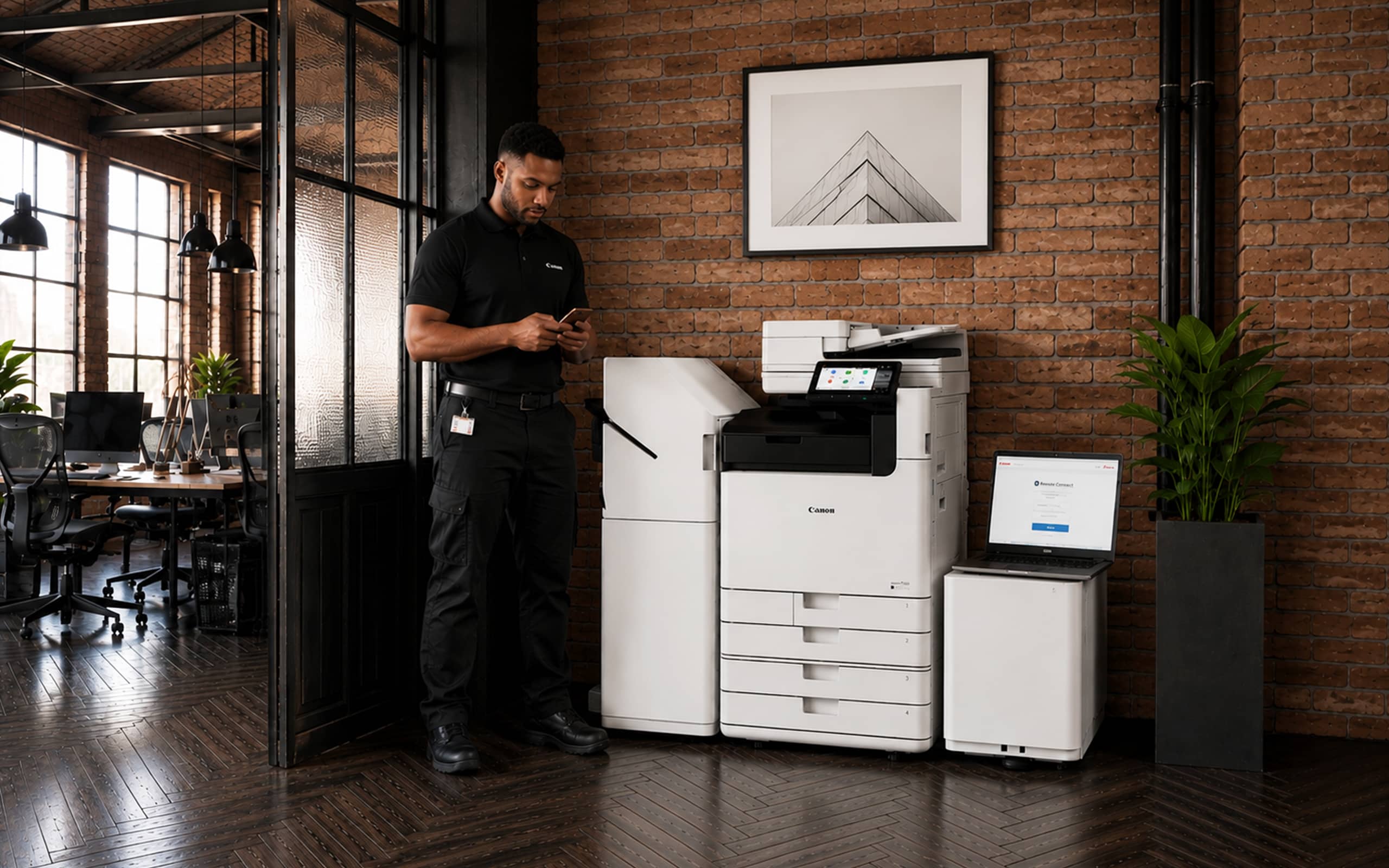
Canon Smart Services: Smarter Device Management and Proactive Copier Support

4 Powerful Canon Copier Features You May be Missing Out On