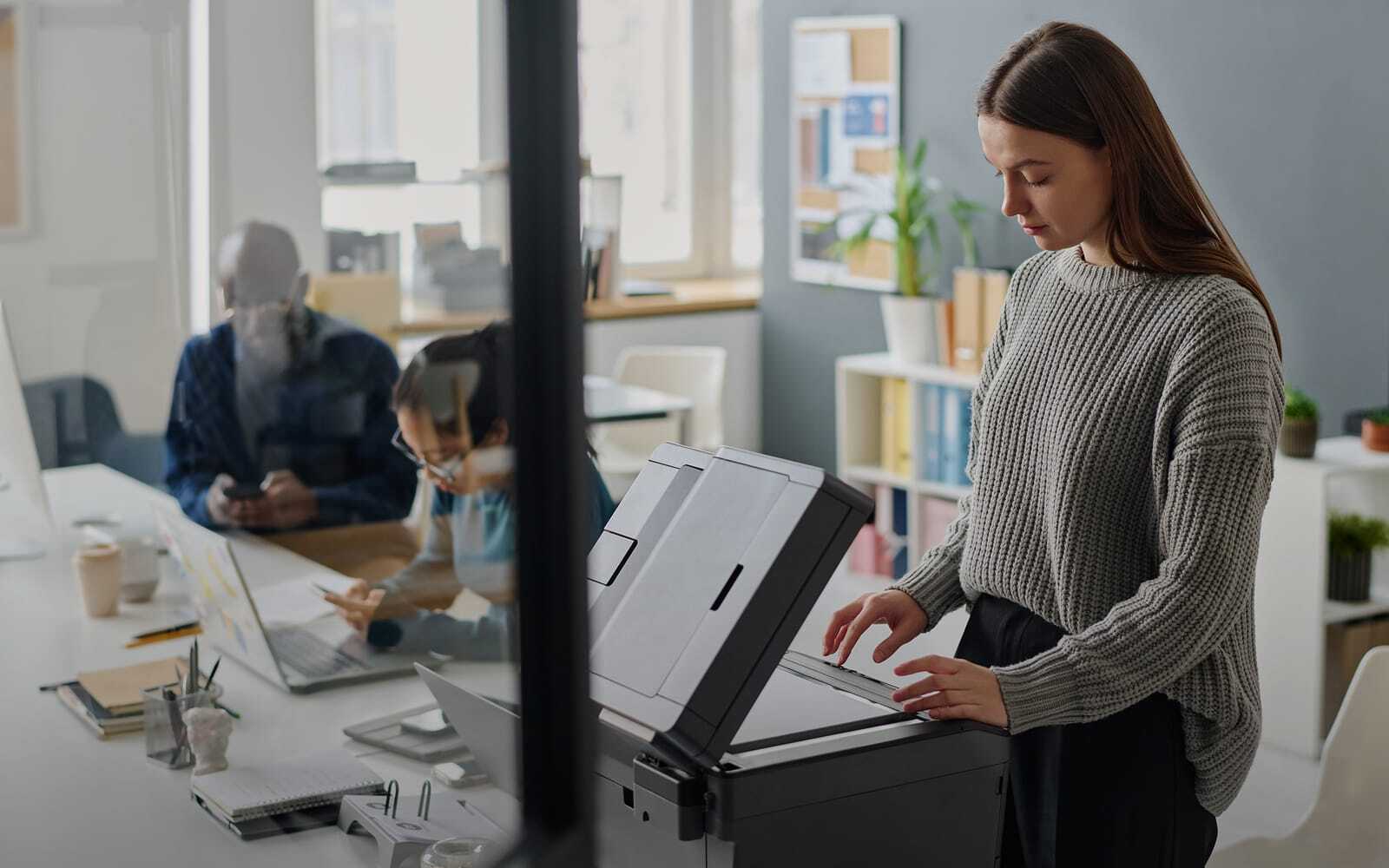
Canon multifunction copiers offer security capabilities such as uniFLOW Authentication and the Access Management System (AMS), which can help you manage who uses your devices and what they're allowed to do.
You protect your computers, network, and business data from cyber threats. But what about your office printers and copiers?
Your multifunction printers (MFPs) do much more than print and copy. They scan confidential documents, connect to your network, transmit information, and may store sensitive business data. Without the right safeguards, your printers could become an overlooked security vulnerability.
Multifunction printer security helps protect your business by controlling device access, securing sensitive information, preventing cyber threats, monitoring activity, and supporting compliance requirements.
Whether you're evaluating new Canon copiers or reviewing your existing equipment, here are five important security considerations you shouldn't overlook.
1. Who Can Access Your Multifunction Printers?
Your office printers are likely shared across departments, but not everyone needs access to every function. Without proper printer access controls, unauthorized users could potentially view, copy, or transmit confidential information.
Look for printers that allow you to:
- Require user authentication before accessing the device.
- Assign permissions based on employee roles and responsibilities.
- Restrict specific functions, such as scanning or sending documents.
- Limit document delivery to approved email addresses or destinations.
Canon multifunction copiers offer security capabilities such as uniFLOW Authentication and the Access Management System (AMS), which can help you manage who uses your devices and what they're allowed to do.
Why it matters: You can reduce unauthorized access while giving employees the tools they need to work efficiently.
2. Is Your Sensitive Business Information Protected?
Your multifunction copier may process customer records, financial statements, employee information, and other confidential documents every day. That information needs protection whether it's stored on the device, traveling across your network, or waiting to be printed.
Important printer data security features include:
- Data encryption to help protect stored and transmitted information.
- Secure print release to prevent confidential documents from sitting unattended in output trays.
- Data erasure to remove stored information when equipment is retired or replaced.
- Secure communication protocols to help protect information traveling across your network.
Many Canon copiers offer these capabilities, depending on the model and configuration. For example, secure printing can hold a confidential document until you authenticate at the device, reducing the possibility of someone else retrieving it.
Why it matters: Your business information receives additional protection throughout the printing and scanning process.
3. Can Your Office Copier Be Hacked?
Yes. A network-connected copier can be a cybersecurity target if it isn't properly secured, configured, and maintained.
Like your computers and other network devices, multifunction printers rely on software, firmware, and network connections. Vulnerabilities in these systems could potentially be exploited by cybercriminals, making printer cybersecurity an important part of your overall network protection strategy.
To strengthen security, look for:
- System verification to help detect unauthorized changes during startup.
- Application allowlisting to help prevent malicious software from running.
- Firmware updates to address known vulnerabilities and improve security protections.
Canon incorporates technologies such as Verify System at Start-up, Trellix Embedded Control, and Unified Firmware Platform into supported Canon multifunction copiers. These features help protect against unauthorized software execution and certain types of device tampering. However, some security functions require administrator activation, making proper setup and ongoing maintenance essential.
Why it matters: Your copiers become part of your broader cybersecurity strategy rather than an overlooked entry point into your network.
4. Are You Monitoring Your Printer Security?
If your business operates multiple printers or locations, maintaining consistent security settings can become challenging. Centralized printer management helps your IT team apply security policies, monitor device activity, and identify potentially unauthorized changes across your printing environment.
Look for capabilities that allow you to:
- Manage security settings across multiple devices.
- Monitor and receive notifications about configuration changes.
- Review security-related activity logs.
- Integrate with compatible security monitoring systems.
Canon offers centralized management tools, security policy settings, and monitoring capabilities on supported devices. Certain Canon systems can also integrate with Security Information and Event Management (SIEM) platforms, helping your IT team gain additional visibility into suspicious activity.
Why it matters: You gain greater control over your printing environment while reducing the time required to manage individual devices.
5. Do Your Copiers Support Your Compliance Requirements?
Depending on your industry, you may need to protect sensitive information governed by regulations or standards such as HIPAA, PCI DSS, or Sarbanes-Oxley. Your printers and document workflows can play an important role in supporting those responsibilities.
For example, healthcare organizations may need to protect patient information, while financial institutions must carefully manage confidential customer and financial records. Security capabilities such as user authentication, data encryption, access restrictions, and audit logs can help support your organization's information protection policies.
While no copier or printer guarantees regulatory compliance, choosing equipment with appropriate security features can help you address relevant requirements.
Why it matters: You can better align your document workflows with your organization's security policies and compliance efforts.
How Can You Improve Your Multifunction Printer Security?
Protecting your business requires more than purchasing a printer with advanced security features. You also need to ensure those features are properly configured, updated, and monitored.
Start by asking yourself:
- Do you know who can access your printers and copiers?
- Is confidential information protected during printing, scanning, and storage?
- Are your devices receiving regular firmware and security updates?
- Can you monitor security settings and activity across your printing environment?
- Do your document workflows support your business's security requirements?
If you're unsure about these answers, it may be time to evaluate your current equipment and security practices.
Multifunction Printer Security at a Glance:
Download the Free Ebook: 5 Considerations for MFP Security
Want to take a closer look at how you can protect your business information?
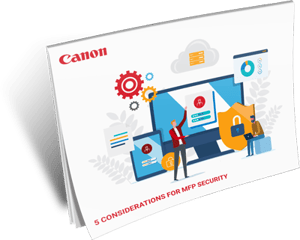 Download Canon's 5 Considerations for MFP Security ebook to explore the essential security capabilities you should evaluate when selecting and managing your office printers. This resource examines access controls, data protection, cyber threat prevention, security monitoring, and compliance considerations, along with Canon technologies designed to help address these challenges.
Whether you're considering new Canon multifunction copiers or looking to strengthen the security of your existing printer fleet, this ebook can help you ask the right questions and make more informed decisions.
Protect Your Business With Datamax.
Your office printers should help your business operate efficiently without introducing unnecessary security risks. At Datamax, we can help you evaluate Canon copiers, Canon multifunction copiers, and document workflow solutions that support your productivity and information security needs.
Whether you're replacing outdated equipment or reviewing your current printing environment, understanding your security options is an important first step.
Ready to strengthen your printer security? Contact Datamax to discuss your business needs and explore the right Canon solutions for your organization.
Source: Canon U.S.A., Inc., "5 Considerations for MFP Security," 2025. Security features and availability vary by model and configuration.


6 Reasons Copier/MFP Security Matters More than Ever Before
Higher Education Document Workflows: Smarter Campus Operations