

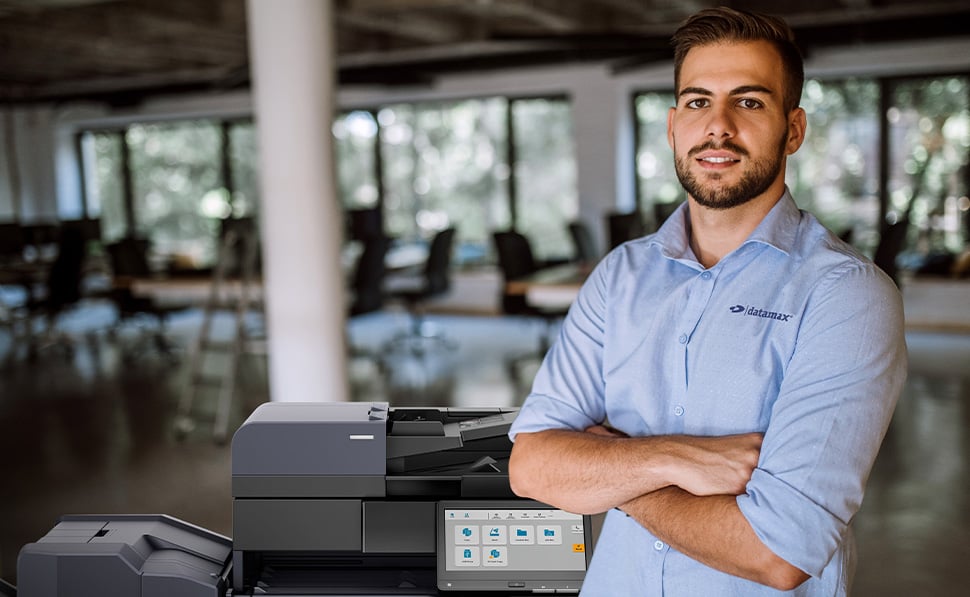
Secure Your Multifunction Printer Environment.
Protect sensitive data and strengthen your network with advanced copier and MFP security solutions designed for modern business environmentsand built for organizations that rely on secure document workflows and connected devices.
Protect Your Network
Why Your Copier Might Be a Security Risk
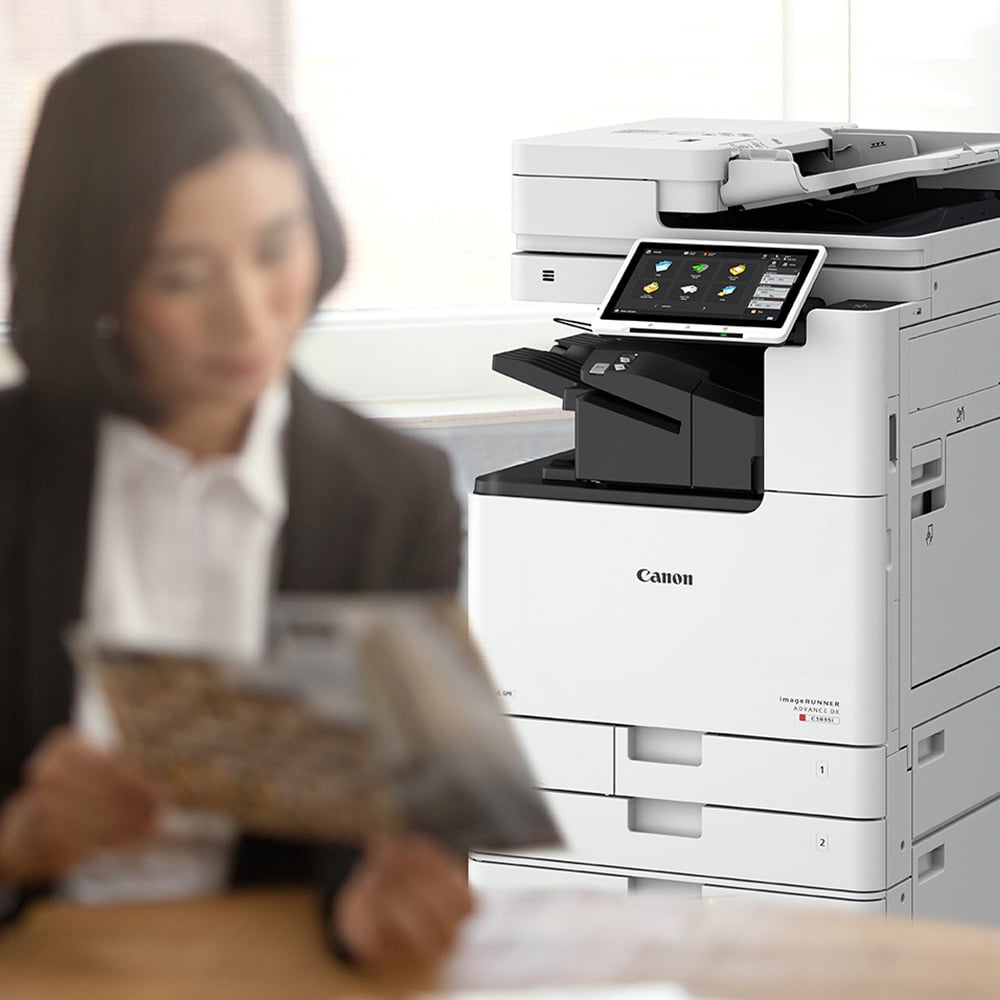
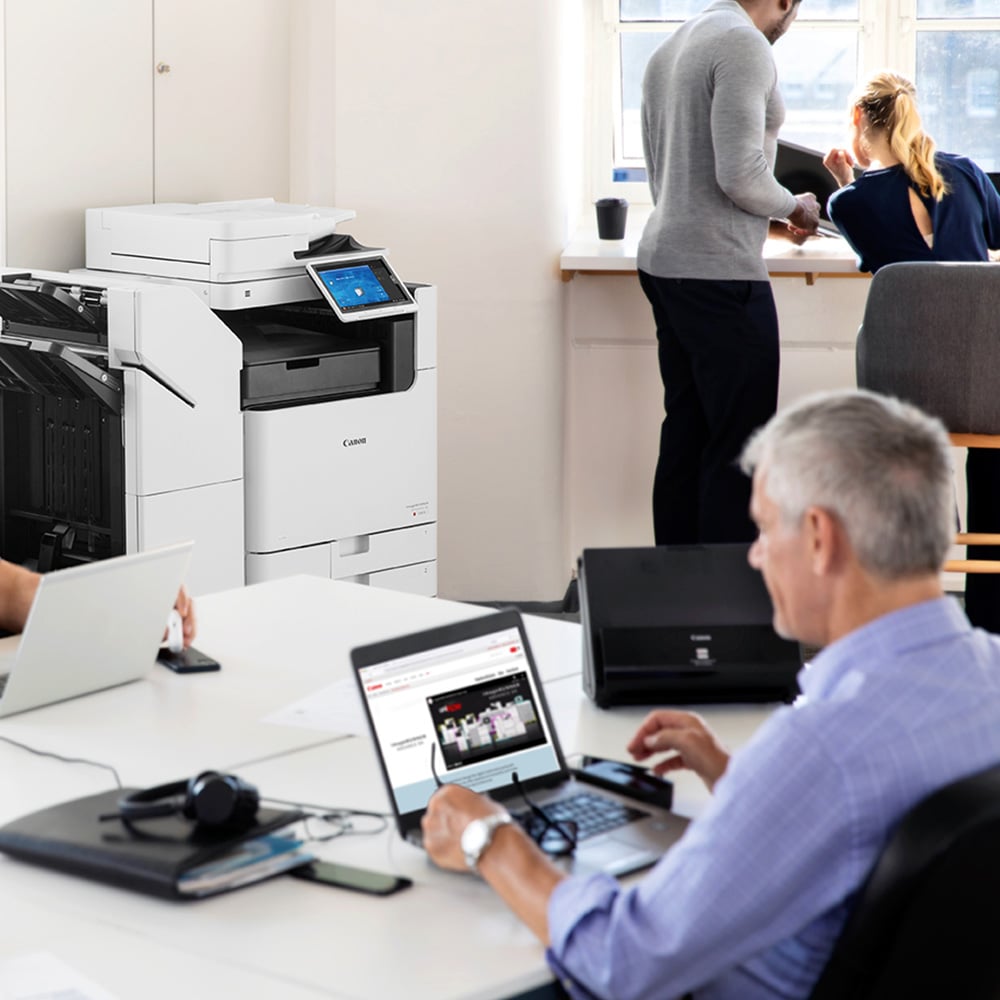
Your multifunction printer is a network-connected device that stores, processes, and transmits sensitive business data every day. If not properly secured, it can expose your organization to serious security risks.
What Makes MFPs Vulnerable?
Most businesses do not treat copiers like other endpoints on the network. As a result, important protections are often missing.
Common vulnerabilities include:
- Stored document data on internal hard drives.
- Open access without user authentication.
- Unencrypted data transmission.
- Outdated firmware and security settings.
- Lack of monitoring or visibility into device activity.
These gaps create opportunities for unauthorized access and data exposure.
What Data Is at Risk?
Your copier processes highly sensitive information every day.
This often includes:
- Employee records.
- Financial documents.
- Contracts and legal files.
- Client and customer information.
If this data is not protected, it can be accessed, copied, or exposed without your knowledge.
What Happens If You Don’t Secure Your Copier/MFP?
If your MFP remains unsecured, it can become an easy entry point into your network.
This can lead to:
- Data breaches.
- Compliance violations.
- Unauthorized access to systems.
- Loss of sensitive business information.
IMany organizations invest heavily in network security but overlook their print environment. That gap creates unnecessary risk.
Layered Security for Your Print Environment
User Access Control
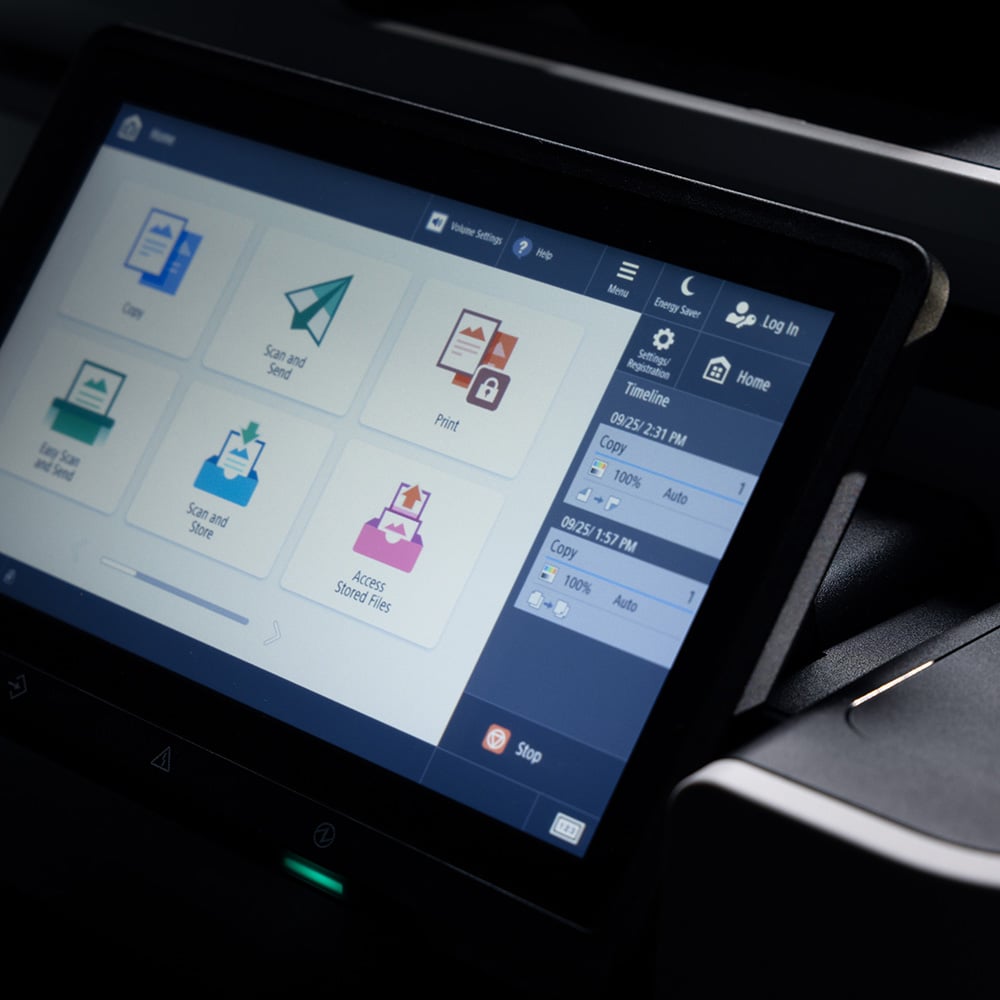
You control who can access your devices and what they can do. Authentication methods such as PIN codes, badge access, or directory integration ensure only authorized users can print, scan, or copy.
This reduces unauthorized usage and protects sensitive documents at the point of access.
Data Encryption and Protection
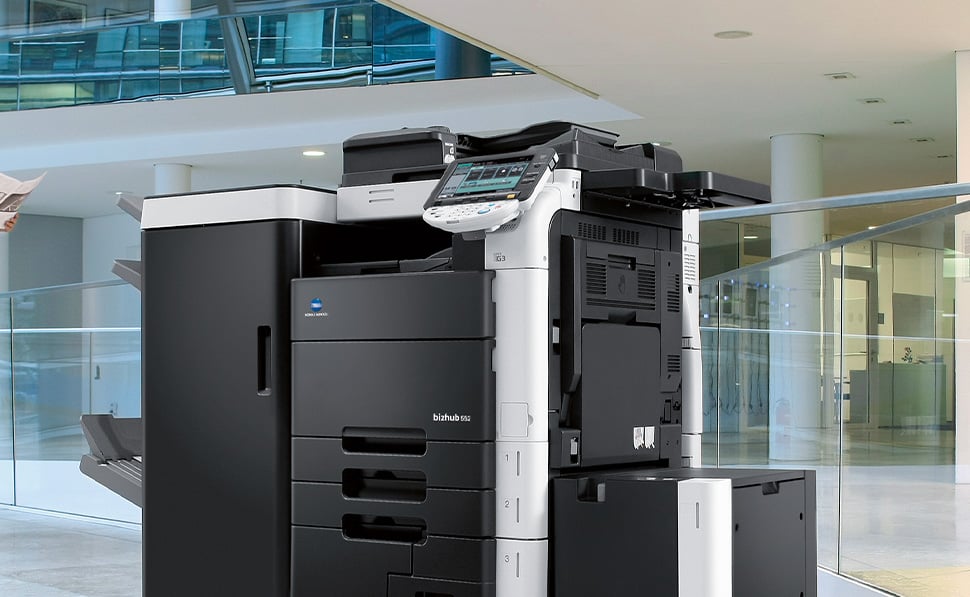
Datamax ensures that data stored on your multifunction printer is encrypted both at rest and in transit.
Encrypted hard drives prevent data retrieval if a device is removed, replaced, or compromised. This is critical for protecting confidential business information and meeting compliance requirements.

Secure Print Release
Print jobs are held securely until the authorized user is physically present at the device.
This eliminates one of the most common security failures, documents left unattended in output trays, and ensures sensitive information stays in the right hands.

Device Monitoring and SIEM Integration
Your MFPs can integrate directly into your existing security infrastructure.
Datamax enables real-time monitoring and SIEM integration so your IT team can see authentication attempts, configuration changes, firmware updates, and unusual activity alongside other network endpoints.

Role-Based Access and Audit Reporting
You define who can access specific functions like scanning, faxing, or administrative settings.
Detailed audit logs and reporting provide visibility into device usage and support compliance initiatives. This level of control helps align your print environment with internal policies and regulatory requirements.
Extend Zero Trust Principles to Your Print Environment
Printers and multifunction devices are often overlooked within Zero Trust strategies, even though they connect directly to your network and handle sensitive information daily. Datamax helps organizations apply stronger access controls, authentication, and visibility across their print infrastructure.
- User authentication and secure print release
- Role-based access controls
- Device activity monitoring and visibility
- Protection for stored and transmitted documents
Ensure Only Authorized Users Access Sensitive Information
Zero Trust environments rely on continuous verification, not assumptions. Datamax helps implement print security controls that support user authentication and document protection throughout the print process.
- PIN, badge, and credential-based authentication
- Secure document release policies
- Reduced risk of unattended printed documents
- Better accountability across departments and users
Build Print Security Into Your IT Strategy
Printer security should align with your broader operational and cybersecurity goals. Datamax works with your team to create a more proactive and manageable print security framework.
- Print security assessments
- Ongoing strategy and performance reviews
- Recommendations aligned with business goals
- Support for evolving cybersecurity initiatives
Work With Teams That Understand Print Security
Datamax combines local support with certified print expertise to help organizations improve security without sacrificing productivity or uptime.
- Local teams across Texas and Arkansas
- Advanced service certifications
- Support for multifunction print environments
- Guidance from experienced print security professionals
How To Get Started
Schedule a Discovery Assessment
We begin by evaluating your current print environment, including device configurations, network exposure, and user access controls.Receive Clear Recommendations
You will get a structured roadmap outlining vulnerabilities, risks, and specific actions to strengthen your MFP security.Implement and Monitor
Datamax supports implementation, configuration, and ongoing monitoring. We help ensure your devices remain secure as your environment evolves. After you submit your request, a Datamax specialist will review your environment and reach out promptly to schedule your assessment. This ensures your consultation is focused, relevant, and aligned with your priorities.FAQ
Yes, multifunction printers can be a serious security risk— IF they are not properly secured. Modern MFPs are networked devices with hard drives that store document data and transmit information across your network. Without authentication, encryption, and monitoring, they can become entry points for cyberattacks or sources of data breaches.
If not properly wiped or encrypted, data stored on a copier’s hard drive can remain accessible even after the device is removed from service. Secure end-of-life processes should include hard drive encryption, certified data wiping, or physical destruction to prevent data exposure.
Yes. Most modern MFPs contain internal hard drives that temporarily or permanently store images of printed, scanned, or copied documents. If the hard drive is not encrypted or properly wiped at end of life, confidential data can potentially be retrieved.
A secure MFP should include:
- User authentication through PIN, badge, or directory login.
- Encrypted hard drive and encrypted data transmission.
- Secure print release to prevent unattended documents.
- Role-based access controls to limit functionality
- Audit logging and SIEM integration for real-time monitoring
These features help protect sensitive data and align your print environment with your overall cybersecurity strategy.
Yes. Many enterprise MFPs can integrate with Security Information and Event Management systems. SIEM integration allows printer activity logs, authentication attempts, and configuration changes to be monitored alongside other network devices. This improves visibility, strengthens incident response, and eliminates print devices as blind spots in your security infrastructure.